'Kental' - word yang beku, cair, lagi melekit untuk membuktikan
wallpapers ni sangat sangat awesome. Sangat sangat
KENTAL!


Denpa Onna to Seishun Otoko -
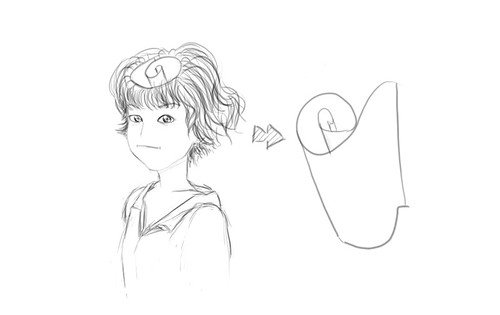
Touwa Erio Chikuwa CosplayOkay, bayangkan laa. Aku tengok anime Denpa Onna to Seishun Otoko
semata-mata punca aku tertenung cosplay Touwa Erio gambar minah korea ni!
Bayangkan.. bayangkanlah.. bayangkan... bayaaang.... (suara bergema)

Okay, percaya ke tak percaya tu terpulang cuma atleast ambil tahu okay.
Cuma aku nak bagitahu yang menda ni dah lama, sangat lah lama! so tanpa
cakap banyak, tengok sendiri video ni, and pikir sendiri apa yang aku telah
share ni, sekian (jalan penyelesaian - pegang teguh pada tiang agama)
Sila klik
di sini untuk mengetahui apakah sebenar Illuminati / Freemason
Many times you might have seen that your system starts performing slow. Along with this there might be a notification saying “Low Virtual Memory”. This means that the virtual memory of your machine, which is in fact a reserved space in your hard disk that works as a RAM, is getting overloaded and requires some increment. Although, this process is automatically handled and managed by
Windows 7, however you can manage this manually according to your ease and requirements.
First thing first, the virtual memory of a machine depends directly on the total amount of physical RAM present your computer. Virtual memory of a computer is minimum 1.5 times of your total RAM and can go up to 4 times of your RAM at maximum. This means that if you have 1 GB of RAM installed in your Window
s 7 computer you can have minimum of 1.5 GB virtual memory and it can be increased up to maximum 4 GB. It should be understood that the more virtual memory your computer has, more faster and efficiently it may work. To increase or manually manage the virtual memory in your Windows 7 computer you need to follow the below steps: